

Document library
Keep your company documents in one place.
Three tabs are available: File Library (파일 보관함) / Create Document (문서 만들기) / Chatbot Library (AI 에이전트 자료실).
Uploading files
Section titled “Uploading files”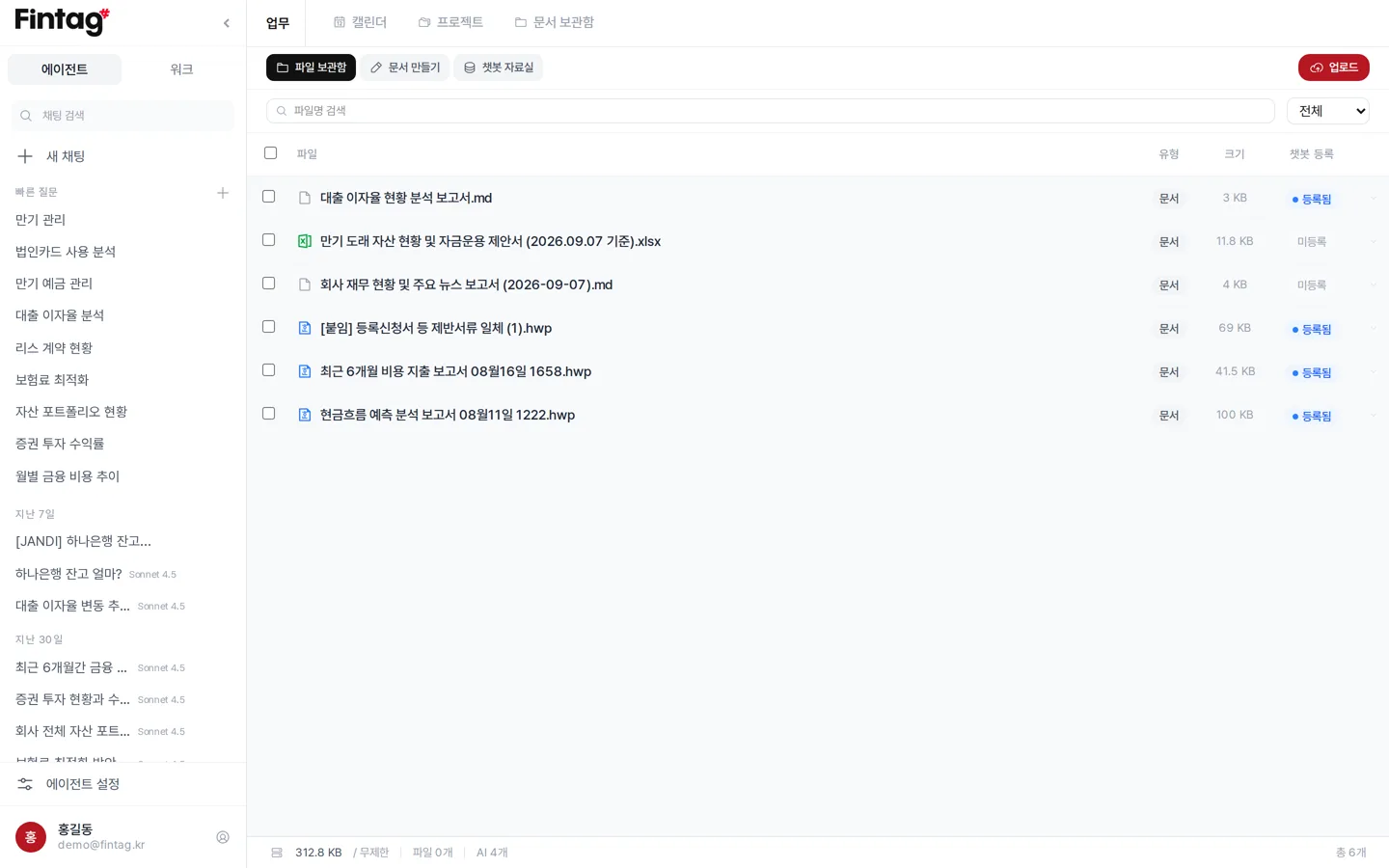
Press Upload and choose the document type.
- Card, loan, deposit, insurance, lease, securities — The AI reads the contents and registers it as an asset.
- Transaction history — The transaction file is checked and registered.
- General document — Stores contracts, reports, and the like.
You can upload PDF, Excel, Word, HWP, image, text, and CSV files.
You can upload up to 20MB per file.
Working with files
Section titled “Working with files”Click a file in the list to use the following features.
- Preview — View PDF, Word, Excel, and CSV files right on screen.
- Edit — Modify HWP files directly in the browser.
- Rename, Download, Delete
- Register to chatbot / Remove — Decide whether the AI reads this document.
You can search by file name.
You can filter by type (card, financing, fund management, insurance, lease, securities, document).
Editing HWP documents
Section titled “Editing HWP documents”On the Create Document tab you can open and edit HWP documents.
- Auto-saves every 15 minutes.
- If you close the window by accident, you are asked whether to restore it the next time you open it.
- Press AI Document Generation (AI 문서 생성) to describe what you want and have a document created.
- Right-click in the document and choose Write with Fintag AI (Fintag AI로 작성).
- The AI writes the continuation at the cursor position.
- You can choose library files for it to reference.
- To export as PDF, press Export PDF (PDF 내보내기).
- You can also save as PDF from the browser’s print dialog.
Chatbot library
Section titled “Chatbot library”For the AI to read the documents you upload, they must be trained first.
See Training the AI on your company material.
Try it for
Section titled “Try it for”- Uploading a contract and asking the AI, “Find the termination terms.”
- Editing an HWP document for a government office in the browser and exporting it.
- Uploading financial paperwork and finishing asset registration in one go.