

Finding government support programs
Fintag collects support program announcements from Bizinfo (기업마당) and shows them in one place. You can find it under Financial Insights (금융 인사이트) → Government Support Programs (정부지원사업).
Which announcements are shown
Section titled “Which announcements are shown”- Only announcements before their deadline are shown. Rolling-application announcements are shown too.
- Based on your company address, announcements for your region and nationwide ones are shown first.
How to search
Section titled “How to search”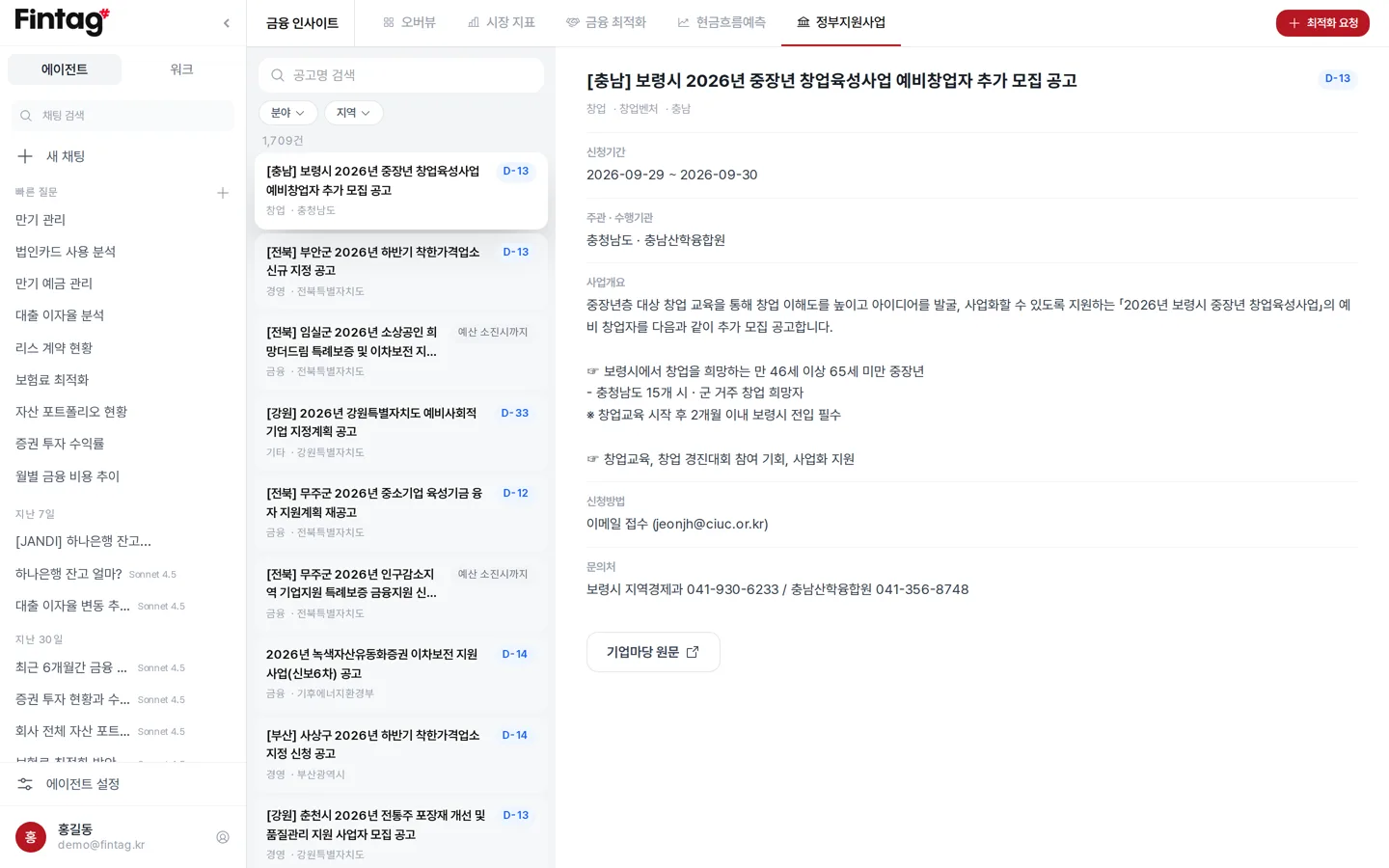
- Field (분야) — Finance, technology, workforce, export, domestic market, startup, management, other
- Region (지역) — You can select several at the city or province level
- Search by announcement title
What the announcement detail shows
Section titled “What the announcement detail shows”You can check the application period, the supervising and administering agencies, the program overview, how to apply, contact details, and attached files.
You can jump straight to the application page (신청 페이지) or the original Bizinfo posting (기업마당 원문).
Filling in attached forms directly
Section titled “Filling in attached forms directly”You can view attached files on screen without downloading them.
HWP files can be edited directly in Preview (미리보기). You can save the edited file to your Document Library.
Asking the AI
Section titled “Asking the AI”In chat, ask “Find government support programs my company can receive.”
The AI picks out the announcements that match your company’s region and size.
When to use this
Section titled “When to use this”- When you need funding, check support programs before taking a loan.
- Select the ‘export’ field to see only announcements that support overseas expansion.
- Add announcements with a near deadline to your calendar.