
Training the AI on your company material
Before the AI can answer using your company documents, it has to be trained on them. You start training from the Library (자료실).
Starting training
Section titled “Starting training”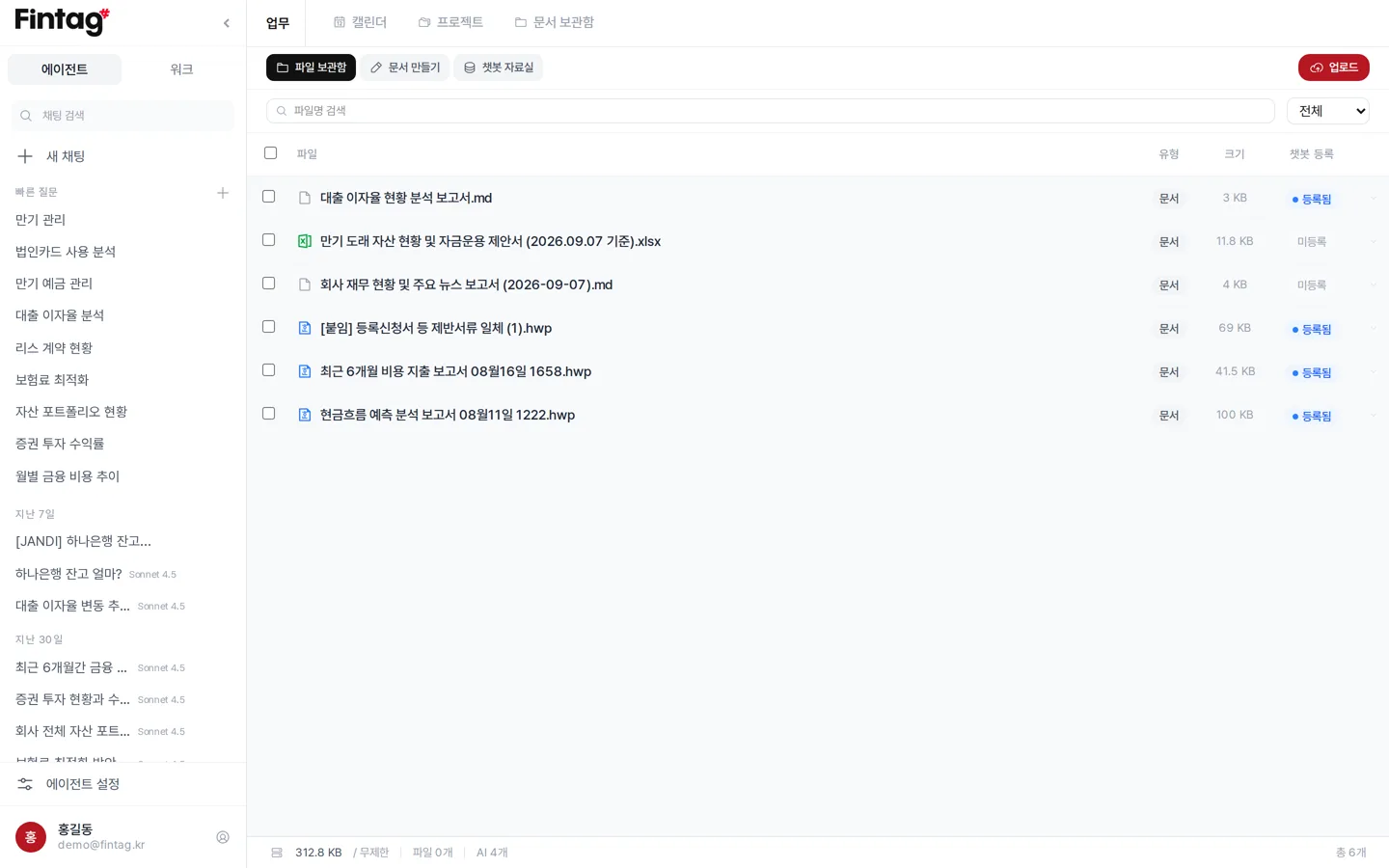
- Go to the Library.
- Press Start Chatbot Training (AI 에이전트 데이터 정리 시작).
- When the notice “Chatbot training has started” appears, training runs in the background. You can move to another screen.
- Check progress and past runs under Training history (정리 이력) on the same screen.
To train on a single file only, press Register to chatbot (AI 에이전트 등록) for that file in the list.
What gets trained
Section titled “What gets trained”- Asset information — cards, deposits, loans, insurance, leases, securities
- Transactions — recent transactions for each asset
- Library documents — contracts, reports, and other files you uploaded
- Cash flow forecast results
Training automatically every day
Section titled “Training automatically every day”Set this under Automatic training (자동 정리) at the bottom of the Library.
- Turn on Auto run (자동 실행).
- Set the Run time (실행 시간). A time before the workday starts is a good choice.
- Once saved, training runs again every day at that time with the latest data.
It is off by default. Turn it on if your company has a lot of transactions.
When you need to train
Section titled “When you need to train”- When you have linked a new financial institution
- When you have uploaded new contracts or reports
- When the AI answers that it does not know the contents of a file
Try it like this
Section titled “Try it like this”- Upload 10 contracts, then ask “Which of these expire this year?”
- Upload last year’s reports, then ask “Compare this with the same period last year.”
- Upload your tax invoice files, then ask “Pull out only the unpaid ones.”